이 페이지는 youtube에서 Devving It With Sohail 님의 영상을 보고 정리한 글입니다.
Three js, React Three Fiber, React Three Drei Tutorial 2022 | Part 1 | Getting started
Hey there! 🙋
This series is meant to get you started with React-Three-Fiber and React-Three-Drei EVEN if you don't have any prior experience with Three.js. I'll be explaining to you Three.js concepts as we go over implementing these with React.js.
The next parts will keep on coming one day after the other.
👨💻 Source code: https://github.com/captain-woof/threejs-tutorial-2022
-------------------------------------------
DOCUMENTATIONS
📖 Three.js: https://threejs.org/docs/
📖 React-Three/Fiber: https://docs.pmnd.rs/react-three-fiber/getting-started/introduction
-------------------------------------------
👋 DROP ME A LINE
Twitter: https://twitter.com/realCaptainWoof
Github: https://github.com/captain-woof
Linkedin: https://linkedin.com/in/sohail-saha
 https://www.youtube.com/watch?v=y5CAuAZ7kKM&list=PLIRTsuB0iPJvxaYyg8MOrjffPPcYnccL0&index=1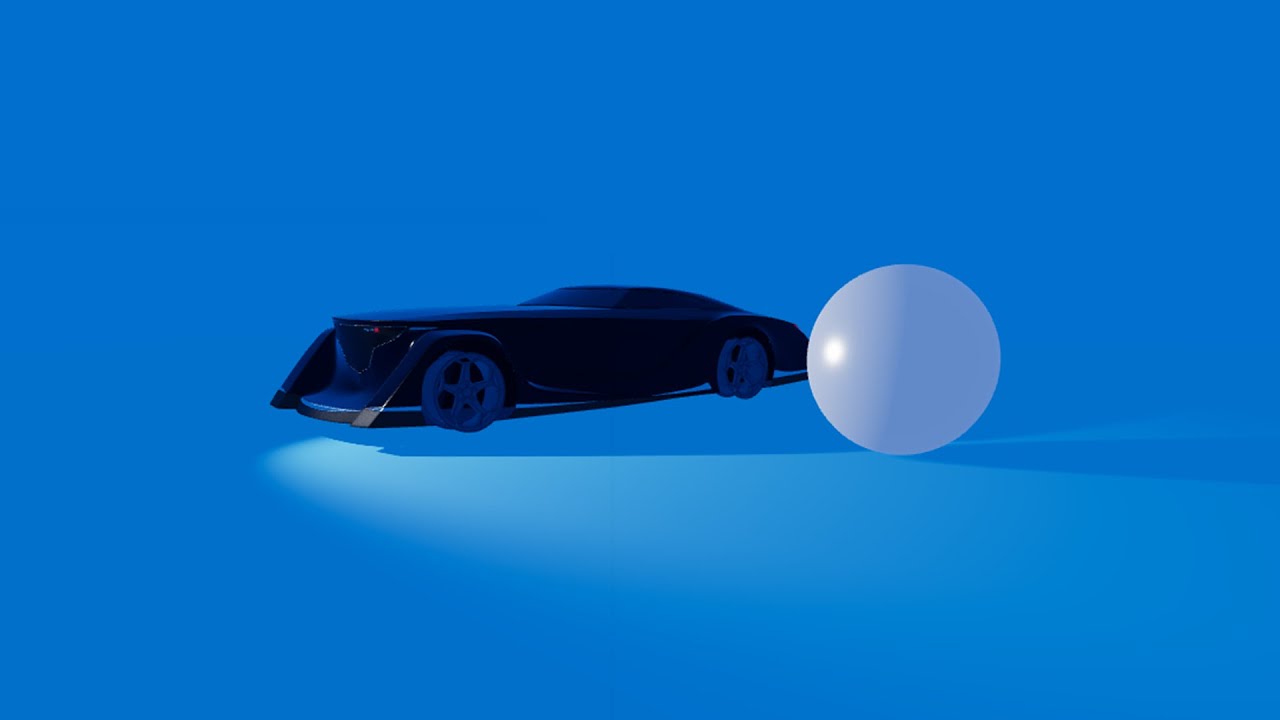
애니메이션 기능은 gsap library를 사용해서 구현한다.
1. Gsap?

처음 페이지가 렌더링 되었을 때 애니메이션 효과를 준다.
2. Animation
// Three.tsx

import gsap from 'gsap'

// Animation
  const ballRef = useRef<THREE.Mesh>(null)
  useEffect(() => {
    if (ballRef.current) {
      // const timeline = gsap.timeline()
      // xaxis motion
      gsap.to(ballRef.current.position, {
        x: 1,
        duration: 2,
        ease: 'power2.out',
      })
      gsap.to(ballRef.current.position, {
        y: 0.5,
        duration: 0.5,
        ease: 'power4.in',
      })
		}
}, [ballRef.current])gsap.to라는 기본적인 method를 이용해보자. method에는 대상(target) 과 움직일 위치가 필요하다. 따라서 useRef를 이용해서 ball을 선택하고, 움직일 위치, 애니메이션이 지속될 시간, ease를 정한다. 시간은 default로 0.5초로 설정되어있다.

useRef를 사용할 때에는
타입지정을 잊지말자!
const ballRef = useRef<THREE.Mesh>(null)method에 대한 자세한 설명은 공식문서를 참고하자.
3. Ease
Ease는 애니메이션의 움직임을 주거나, 타이밍을 잡을 떄 사용한다. 다양한 Ease (Ease in, Ease out) 이 있고 각각의 모션은 공식문서의 visualizer를 통해서 확인할 수 있다.
visualizer에서 custom을 통해서 나만의 움직임을 만들 어서 ⇒ 코드로 내보낼 수도 있다.
엄청 cool 하다.
4. Timeline
마치 비디오를 제작할 때의 timeline과 같이 애니메이션의 순서를 정하기 위해서 사용하는 method이다. 자세한 사용방법은 역시 공식문서를 참고하자.
// Three.tsx

import gsap from 'gsap'

// Animation
  const ballRef = useRef<THREE.Mesh>(null)
  useEffect(() => {
    if (ballRef.current) {
      const timeline = gsap.timeline()
      // xaxis motion
      timeline.to(ballRef.current.position, {
        x: 1,
        duration: 2,
        ease: 'power2.out',
      })
      timeline.to(
        ballRef.current.position,
        {
          y: 0.5,
          duration: 0.5,
          ease: 'power4.in',
        },
        '<'
      )
    }
  }, [ballRef.current])

return (
    <>
			...
      {/* circle */}
      <mesh ref={ballRef} castShadow position={[-2, 1.5, 0]}>
        <sphereGeometry args={[0.5, 32, 32]} />
        <meshStandardMaterial color="#FFFFFF" metalness={0.5} roughness={0.2} />
      </mesh>
</>
)
5. 최종코드
// Three.tsx

import React, { useEffect, useRef } from 'react'

import {
  Environment,
  OrbitControls,
  PerspectiveCamera,
} from '@react-three/drei'

import { useFrame } from '@react-three/fiber'
import gsap from 'gsap'
import * as THREE from 'three'

import type { OrbitControls as OrbitControlsImpl } from 'three-stdlib'

import { angleToRadians } from '@/utills/angle'

function Three() {
  // Code to move around camera
  const orbitControlRef = useRef<OrbitControlsImpl>(null)
  useFrame((state) => {
    if (orbitControlRef.current) {
      const { x, y } = state.mouse
      orbitControlRef.current.setAzimuthalAngle(-x * angleToRadians(45))
      orbitControlRef.current.setPolarAngle(y + 0.5 + angleToRadians(90 - 60))
      orbitControlRef.current.update()
    }
  })

  // Animation
  const ballRef = useRef<THREE.Mesh>(null)
  useEffect(() => {
    if (ballRef.current) {
      const timeline = gsap.timeline()
      // xaxis motion
      timeline.to(ballRef.current.position, {
        x: 1,
        duration: 2,
        ease: 'power2.out',
      })
      timeline.to(ballRef.current.position, {
        y: 0.5,
        duration: 0.5,
        ease: 'power4.in',
      })

      const coefficient = 0.8
      for (let i = 1; i <= 4; i++) {
        // Going up
        timeline.to(
          ballRef.current.position,
          {
            y: Math.pow(coefficient, i) * 1.5,
            duration: 0.2,
            ease: 'power2.out',
          },
          '>'
        )

        // Going down
        timeline.to(
          ballRef.current.position,
          {
            y: 0.5,
            duration: 0.2,
            ease: 'power2.in',
          },
          '>'
        )
      }
    }
  }, [ballRef.current])
  return (
    <>
      <PerspectiveCamera makeDefault position={[0, 1, 5]} />
      <OrbitControls
        ref={orbitControlRef}
        maxPolarAngle={angleToRadians(80)}
        minPolarAngle={angleToRadians(40)}
      />
      {/* circle */}
      <mesh ref={ballRef} castShadow position={[-2, 1.5, 0]}>
        <sphereGeometry args={[0.5, 32, 32]} />
        <meshStandardMaterial color="#FFFFFF" metalness={0.5} roughness={0.2} />
      </mesh>

      {/* floor */}
      <mesh receiveShadow rotation={[-angleToRadians(90), 0, 0]}>
        <planeGeometry args={[20, 20]} />
        <meshStandardMaterial color="#60FC4E" />
      </mesh>
      {/* ambient Light */}
      <ambientLight args={['#ffffff', 0.25]} />

      {/* direnctional Light */}
      <spotLight
        castShadow
        args={['#ffffff', 1.5, 7, angleToRadians(45), 0.3]}
        position={[-3, 1, 0]}
      />

      {/* environment */}
      <Environment>
        <mesh>
          <sphereGeometry args={[30, 100, 100]} />
          <meshBasicMaterial color="#F24671" side={THREE.BackSide} />
        </mesh>
      </Environment>
    </>
  )
}

export default Three
Uploaded by N2T